 damien@damienkee.com
Digital Technologies incursions for primary schools
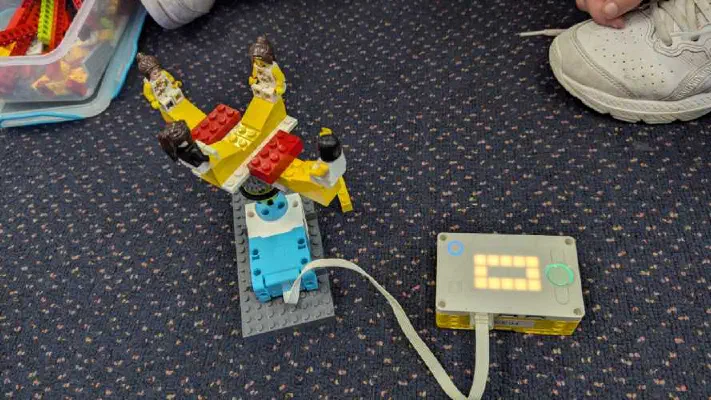
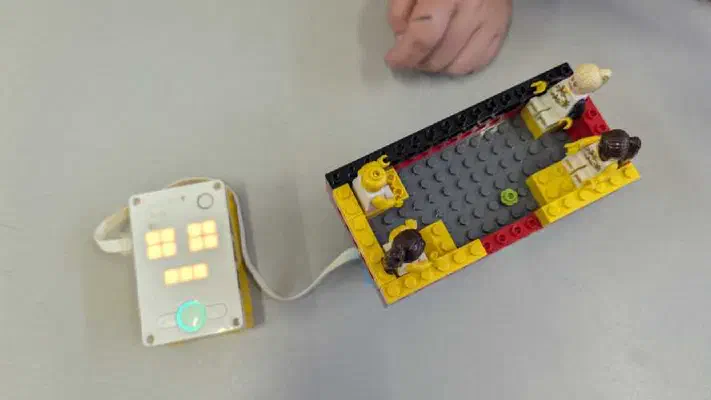
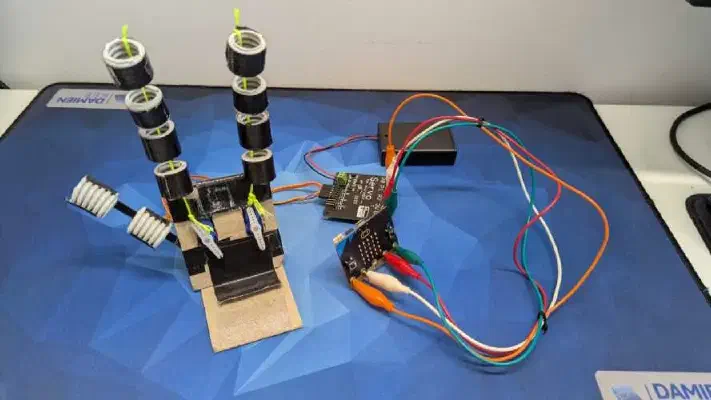
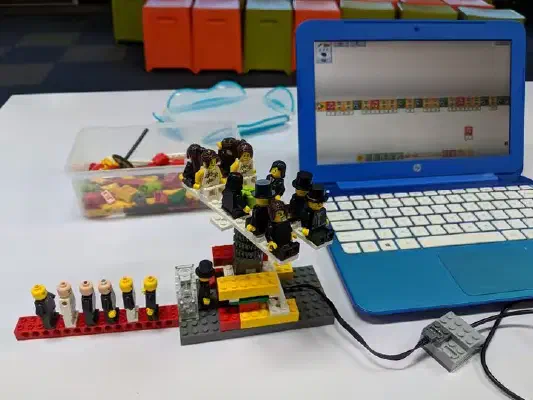

Choose by year level
Every workshop is 2 hours for up to 30 students, except Prep BeeBots sessions, which run for 40–60 minutes with up to 15 students. All workshops can be tailored to your students’ year level and experience.
The workshops
BeeBots
Prep–Year 2 · Prep: 40–60 minutes, up to 15 students · Years 1–2: 2 hours, up to 30 students
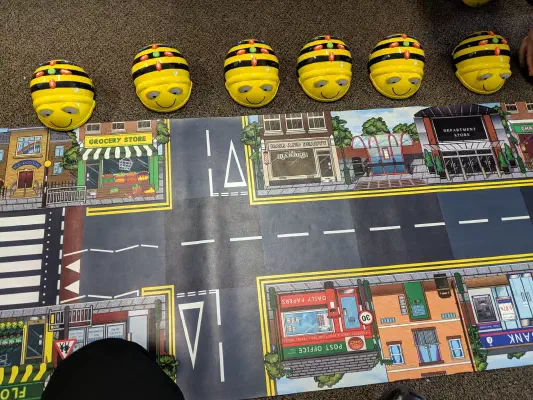
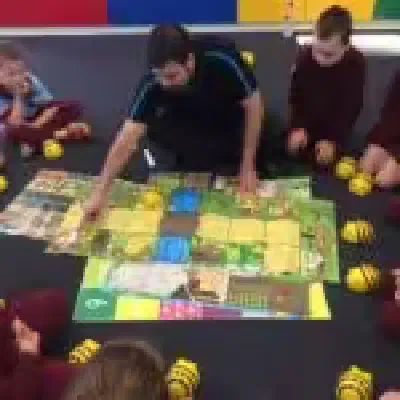
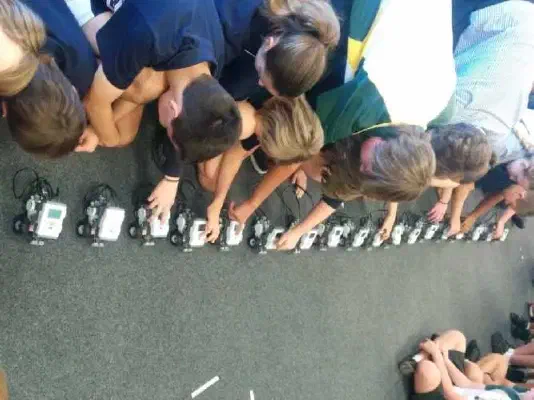
Our youngest learners program friendly floor robots to move, turn and reach a target. Students learn to plan a sequence of steps, test it and fix it when the robot goes the wrong way.
Curriculum: Digital Technologies, following and creating simple algorithms.
Binary and Pixel Art
Years 3–6 · 2 hours · up to 30 students
Computers run on 1s and 0s, but how do they turn those bits into pictures? Students discover how images are stored as data, then encode and decode their own pixel art. This is an unplugged workshop, no devices needed.
Curriculum: Digital Technologies, data representation (Years 3–4: representing the same data in different ways; Years 5–6: binary).
Scratch Coding
Years 3–6 · 2 hours · up to 30 students
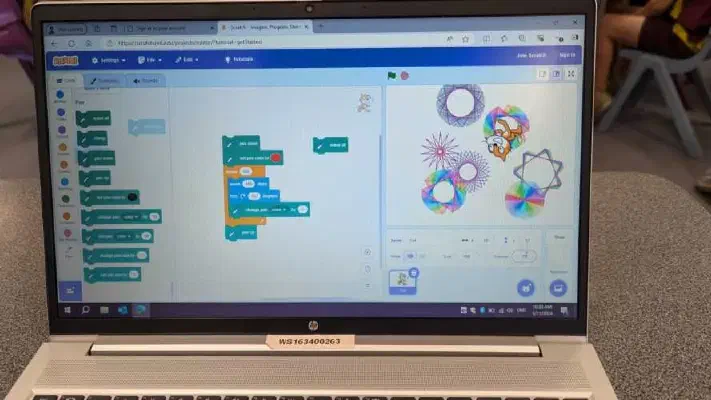
Using the free Scratch platform, students bring characters to life and build their own interactive stories and games. Because Scratch is free and web-based, students can keep creating in class or at home after the visit.
Curriculum: Digital Technologies, designing and implementing algorithms as visual programs.
Circuits
Years 3–6 · 2 hours · up to 30 students
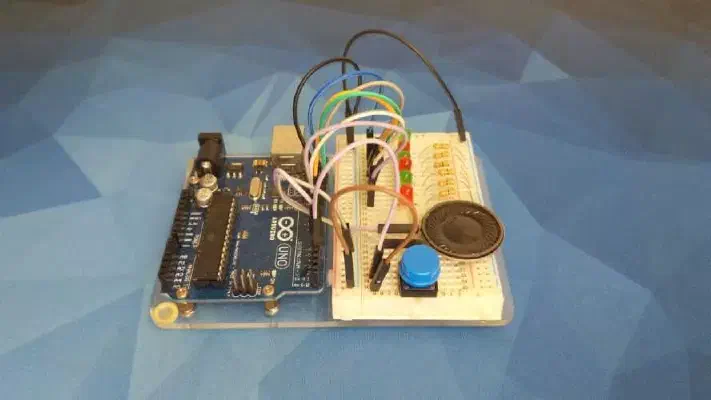
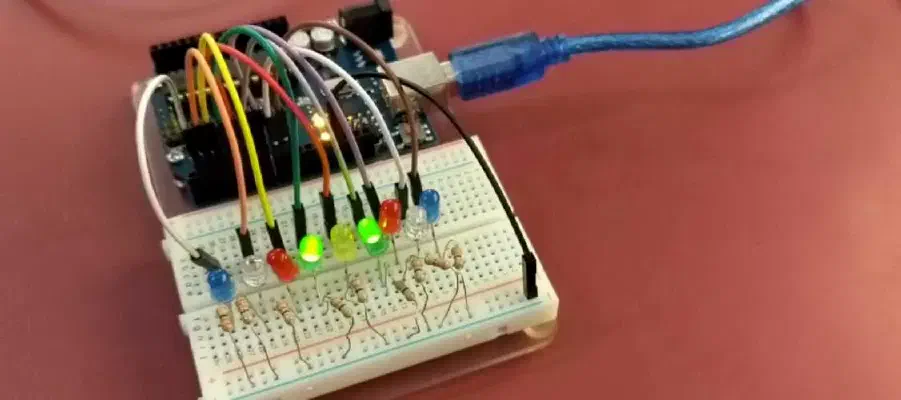
Students build and test their own electrical circuits with switches, lights and buzzers, and learn how inputs and outputs work in the technology around them.
Curriculum: Science, electrical circuits (Year 6); Digital Technologies, digital systems.
micro:bits
Years 3–6 · 2 hours · up to 30 students
The BBC micro:bit is a pocket-sized computer with lights and built-in sensors that bring code to life instantly. Students complete challenges like animated name badges, virtual dice and a “Magic 8-Ball”.
Curriculum: Digital Technologies, digital systems and implementing algorithms.
Stop Motion Animation
Years 3–6 · 2 hours · up to 30 students
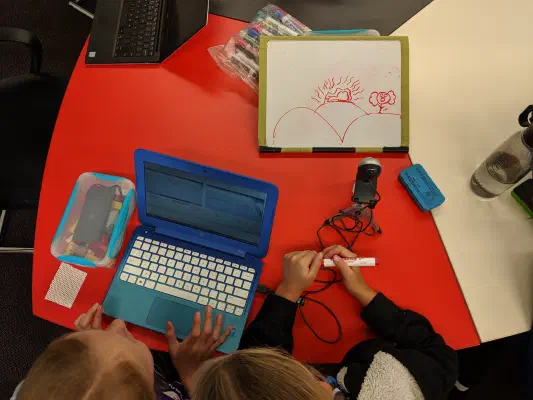
From storyboard to filming to editing, small groups create a short animated film. It could explain a science concept, retell a historical event or share a community message, so it fits easily into your current unit.
Curriculum: Digital Technologies, creating and sharing digital content; links to English and the Arts.
LEGO SPIKE Robotics
Years 3–6 · 2 hours · up to 30 students
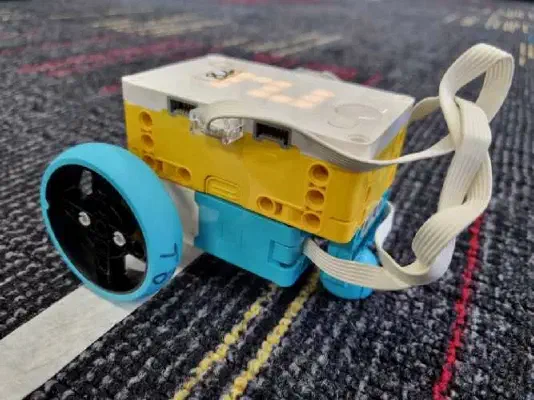
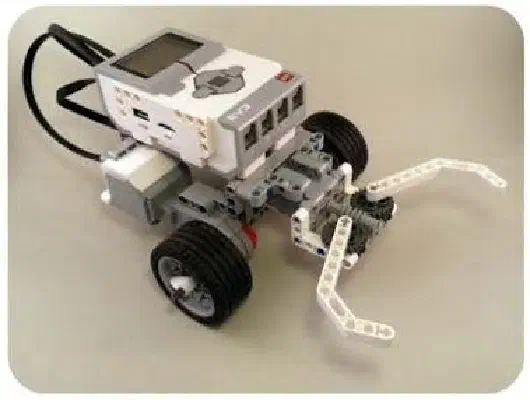
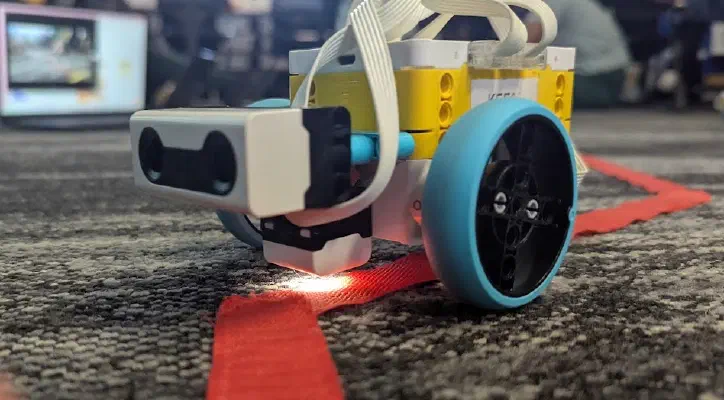
Students build and code LEGO SPIKE robots, then use them to solve a series of challenges. No prior experience needed: groups have a robot moving within minutes!
Curriculum: Digital Technologies, designing, implementing and testing algorithms; links to Mathematics.
Minecraft Education
Years 5–6 · 2 hours · up to 30 students · uses your school’s computers and Minecraft Education licences
Students move beyond playing Minecraft and start programming it, using MakeCode blocks to automate building and create “superpowers” for their characters while learning loops, variables and conditionals.
Curriculum: Digital Technologies, implementing algorithms with repetition and branching.
TinkerCAD 3D Design
Years 5–6 · 2 hours · up to 30 students · uses your school’s computers
Students design their own 3D objects in TinkerCAD, a free browser-based design tool, by grouping, scaling and cutting basic shapes. They learn the same design skills used by architects and engineers, and can keep using TinkerCAD after the visit.
Curriculum: Design and Technologies, creating designed solutions; spatial reasoning in Mathematics.
How a visit works
Most schools book two 2-hour sessions in one day. It’s the easiest way to fit an incursion around your existing timetable, and it gives two classes a full hands-on workshop. For example:
- 9:00–11:00: Year 4, micro:bits
- 11:30–1:30: Year 6, LEGO SPIKE Robotics
The two sessions can be different workshops or the same workshop for two classes. Timing is flexible if your timetable needs something different. Prep BeeBots sessions are shorter (40–60 minutes for up to 15 students), so a Prep class is usually split into two groups.
Before the visit I’ll check in with you about what your students already know and what you’d like them to get out of it, then tailor the workshop to suit.
Prices
Brisbane and surrounds:
- Two-session visit (2 × 2-hour sessions): $1,000 + GST — our most popular option
- Single session (2 hours): $700 + GST
- Full day: $1,200 + GST
For schools more than a 90-minute drive from Brisbane, see regional workshops.
For schools: the paperwork
- Current Queensland Blue Card
- Public liability insurance (certificate of currency available on request)
- Risk information for your Curriculum Activity Risk Assessment (CARA), available on request
Just mention what you need in the form below and I’ll send it with your quote.
Frequently asked questions
Do we need any equipment?
No. I bring everything: robots, laptops, kits and worksheets. The only exceptions are Minecraft Education and TinkerCAD, which use your school’s computers (and, for Minecraft Education, your licences).
How many students can you take?
Up to 30 students per session, which covers most classes. Prep BeeBots sessions take up to 15 students.
Can you work with the robots we already own?
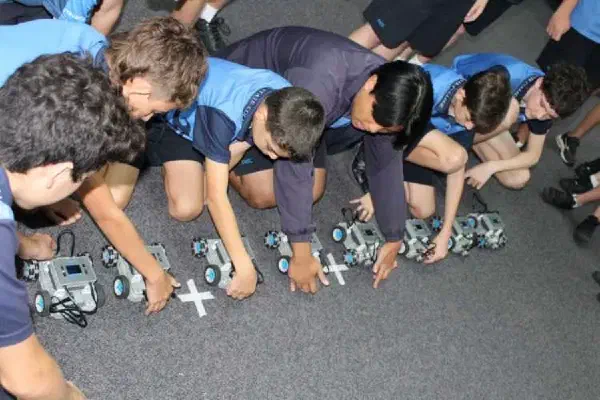
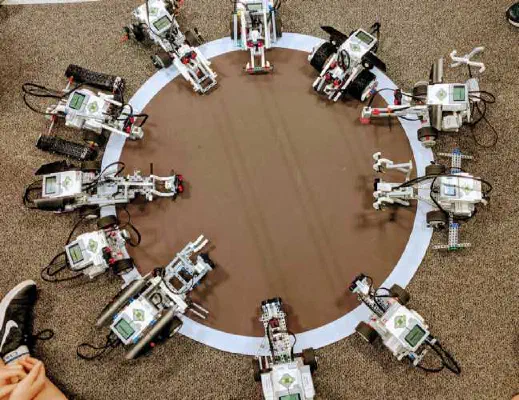
Yes. I have extensive experience with VEX, Sphero, WeDo, EV3, Dash and Dot, and can build a workshop around the equipment you already have.
Can the workshop link to what we’re teaching this term?
Yes. Every workshop is tailored, and topics like Stop Motion Animation and Circuits fit easily into existing Science, English or Arts units.
Get in contact
Tell me a little about your classes and I'll reply within two business days with available dates and a quote.

Brenda Gahan - Head of Learning
Sunshine Coast Grammar School
His wealth of knowledge and expertise allows him to tailor each workshop to the specific skill level and interests of the students (and teachers) and ensures that everyone is engaged and challenged.
Digital Technologies Teacher
Victoria Point State High School
Students engaged in hands-on learning experiences that developed their problem-solving skills. It was a valuable and highly relevant real world learning opportunity.
Tammy Grady
Senior Project Officer, QMEA
Through the Queensland Minerals and Energy Academy (QMEA), Damien has worked with hundreds of students and Teachers from across the State, all with varying levels of robotic and programming experience. Feedback from Damien’s workshops are always full of praise and appreciation, not only for his professional knowledge, but his adaptable teaching style and ease of delivery.
STEM Teacher - Years 7-10
Tannum Sands State High School
Damien's professionalism and communications skills are superb. The very best educational expert visitor we have had come to the college.
Primary School Teacher - Year 5
Central Queensland Primary School
Damien's delivery style captivated students across every year level, from junior to senior. His depth of knowledge and genuine ability to tailor content to our students' abilities made a real difference, keeping everyone engaged and getting the most out of the experience regardless of their starting point.
Head of Curriculum
South East QLD Primary School
What stood out most was how thoroughly Damien customised the workshop to our school's specific needs. Rather than a one-size-fits-all session, he took the time to understand what we were after and delivered exactly that.